Best Free Digital Planners 2026
The Ultimate Guide to Digital Planners: Free Templates, How to Use Them, and Daily Tips
What Is a Digital Planner?
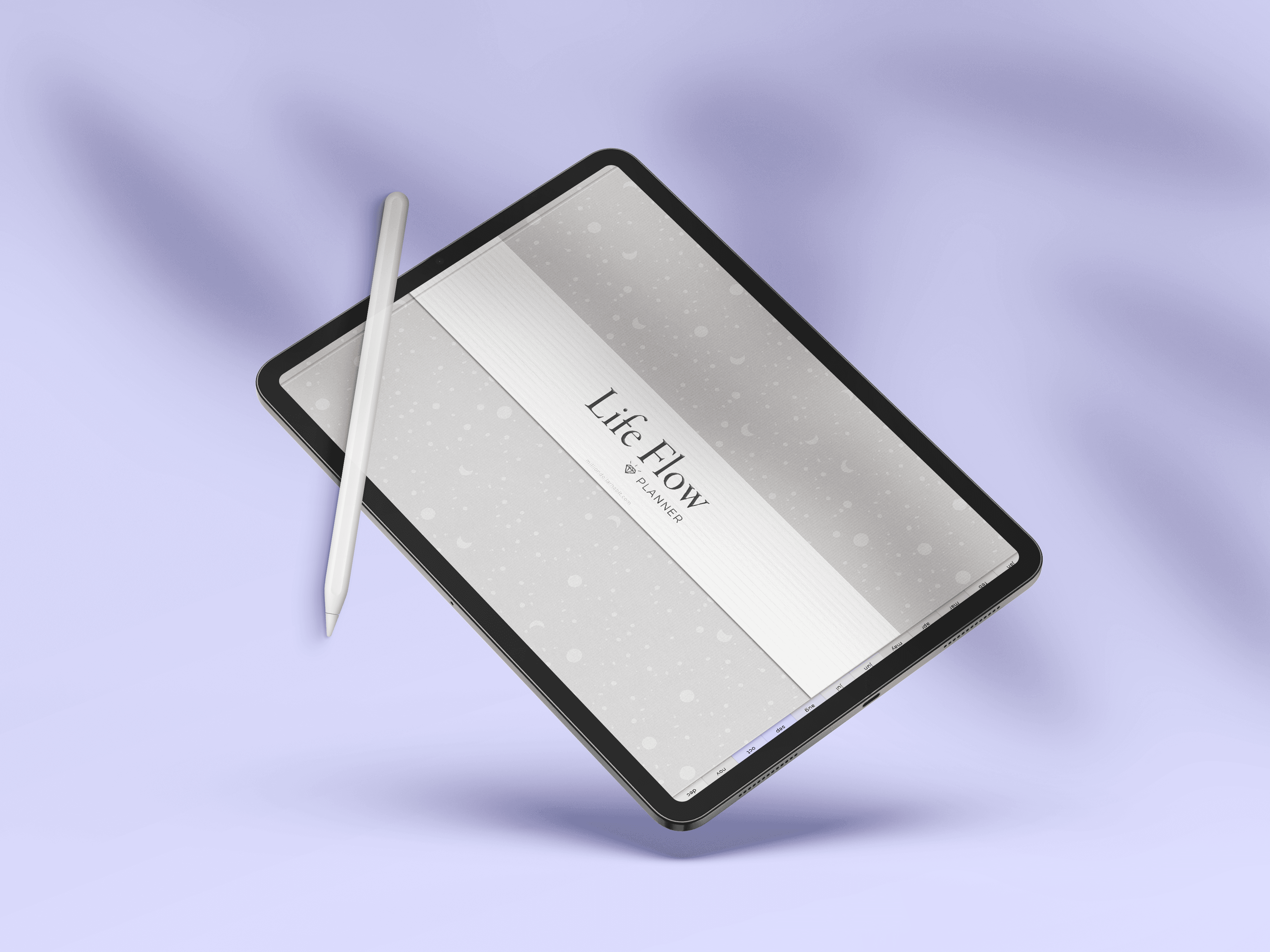
A digital planner is a thoughtfully designed, interactive PDF that you use on a tablet, iPad, or computer.
It offers the familiar structure of a paper planner — days, weeks, and months — with the flexibility of digital use.
Pages are reusable, navigation is instant, and everything lives in one place.
With a stylus, you can write naturally inside apps like Plannora, GoodNotes, Notability, Noteful, or Noteshelf.
Digital planners are commonly used for daily planning, journaling, goal-setting, and creating a clear rhythm for life.
Best Free PDF Digital Planners
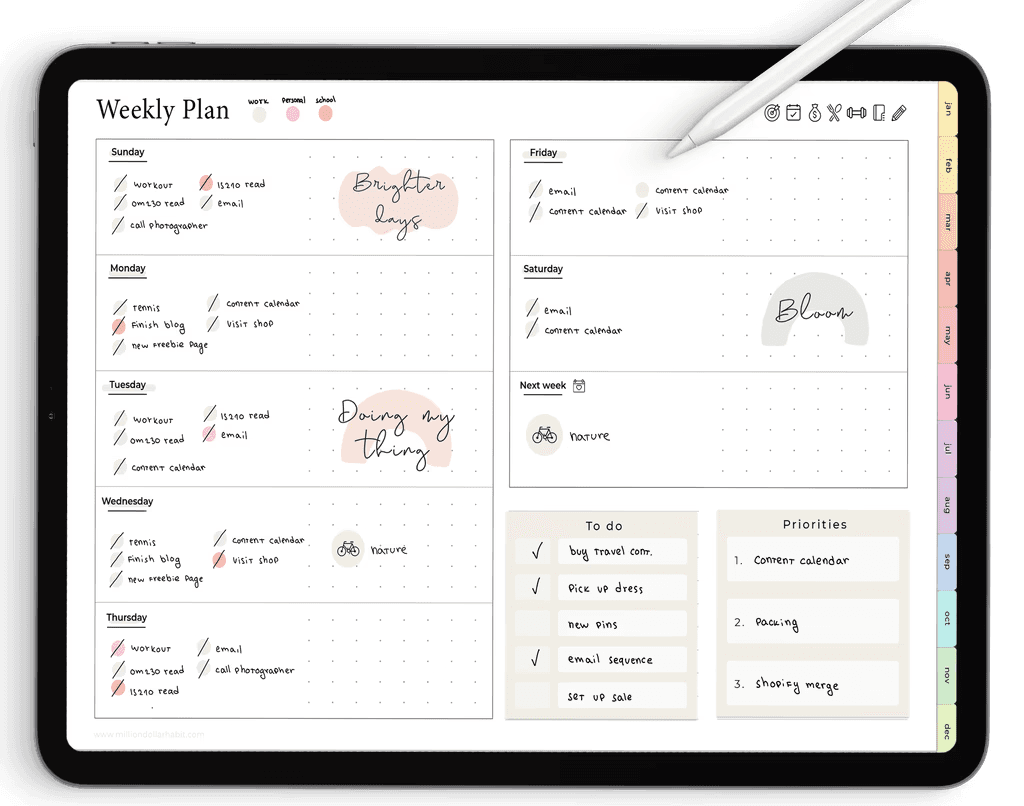
1. Million Dollar Habit – Free Undated Digital Planner
Style: Aesthetic, pastel rainbow tabs
Includes: Monthly, weekly, daily + focused pages
Download: https://www.milliondollarhabit.com/free-digital-planner
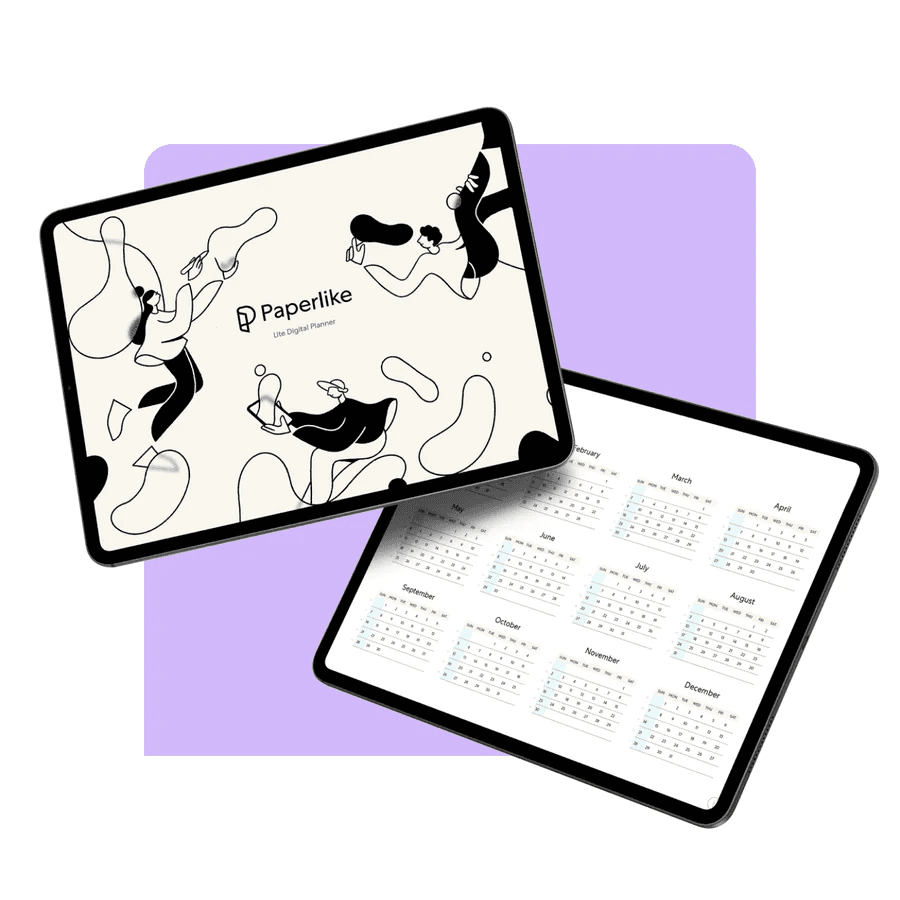
2. Paperlike – Free Digital Planner Lite
Style: Minimalist
Includes: Yearly, monthly, weekly, daily pages
3. World of Printables – 2026 Cute & Dark Planner
Style: Dark aesthetic
Includes: 100+ hyperlinked pages
Download: https://worldofprintables.com/free-digital-planners/
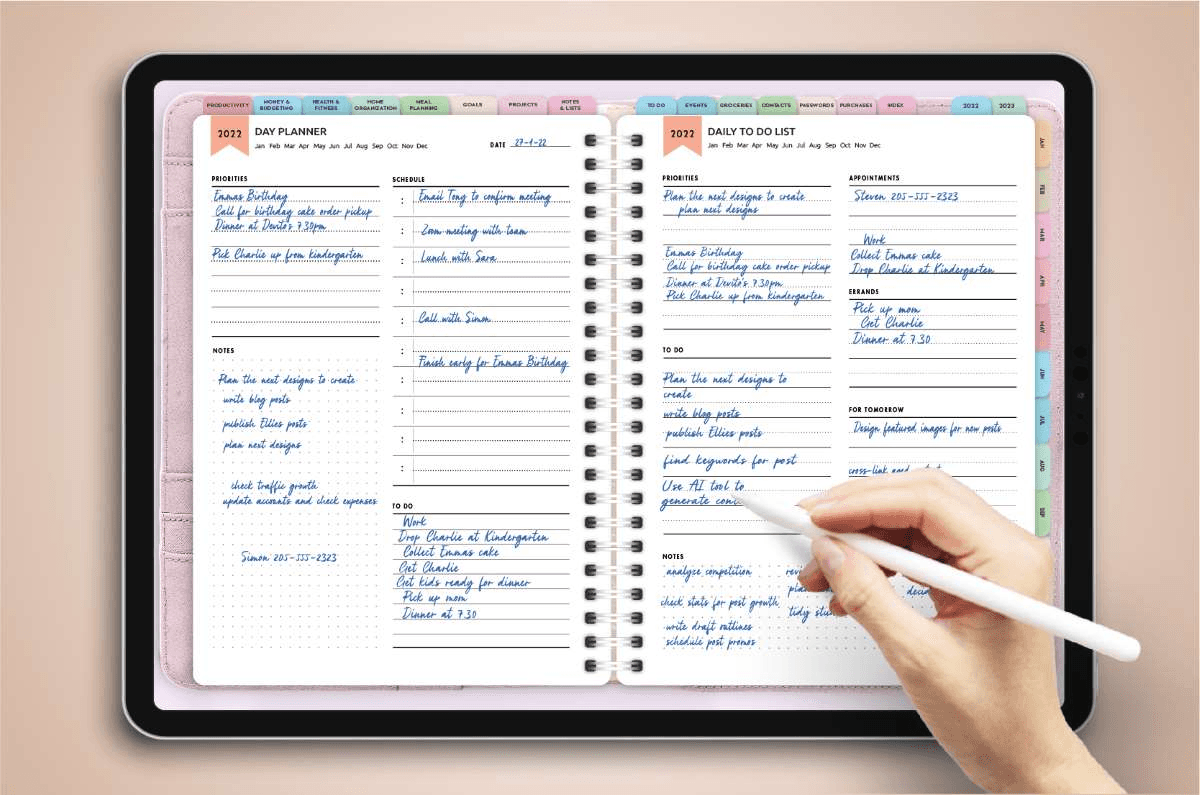
4. HappyDownloads – Free Digital Planner
Style: Beginner-friendly
Includes: Monthly + weekly layouts
Download: https://www.happydownloads.net/freebies/
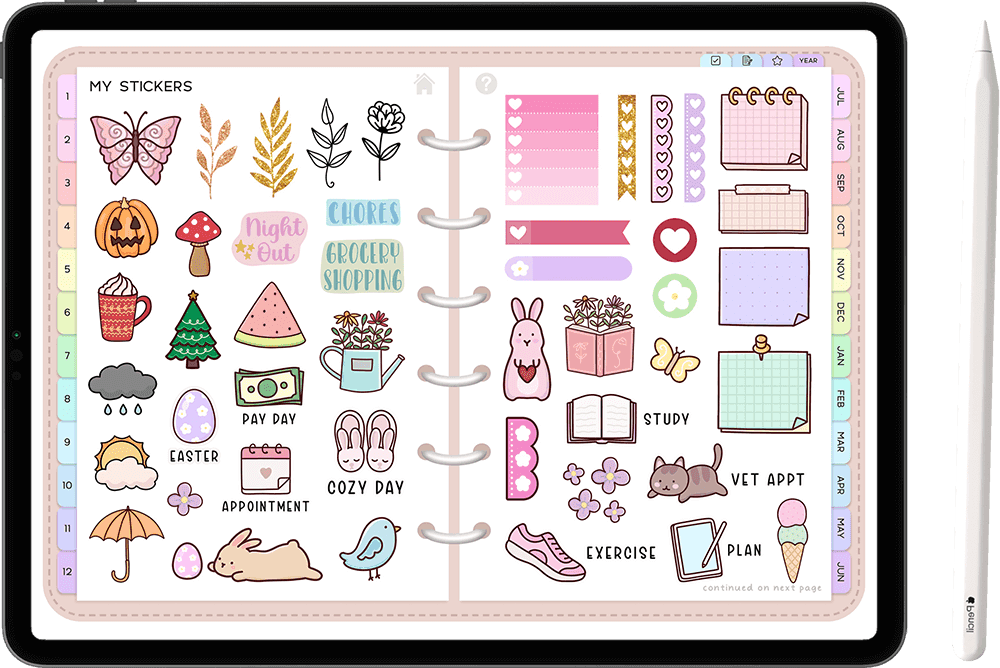
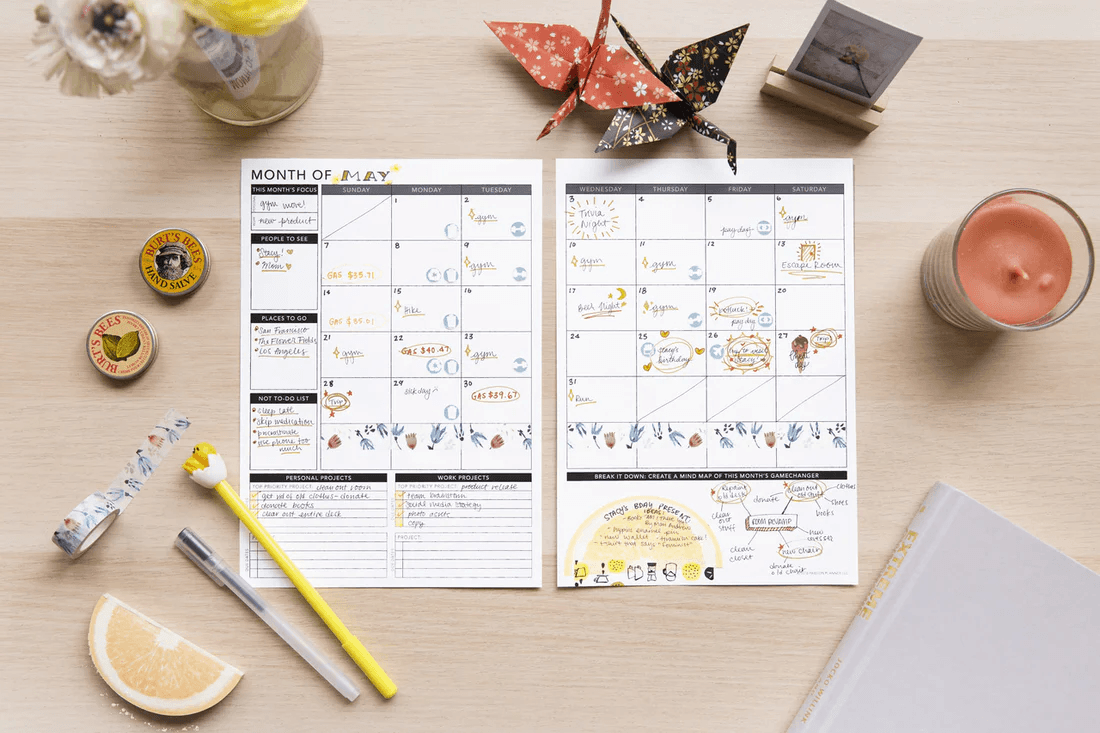
5. Passion Planner – Free PDF Planner
Style: Goal-oriented
Includes: Dated & undated planners
How to Use a Digital Planner
Using a digital planner doesn’t require a complicated setup or a perfect system.
The goal is to create a planning space that feels easy to return to.
Start by choosing the device you’ll use most often, whether that’s an iPad, tablet, or computer. Most people prefer a tablet paired with a stylus, as it allows you to write naturally and move through pages fluidly.
Once you’ve downloaded your planner, import the PDF into your preferred planning app. From there, navigation is simple — tap on tabs or links to move between months, weeks, and daily pages.
Writing inside a digital planner feels similar to pen and paper, but with the added benefit of flexibility. You can erase, rearrange, duplicate pages, and reuse layouts without starting over. Over time, the planner becomes a single place where your schedule, notes, and plans live together.
To avoid losing your work, make backing up your planner a habit. Cloud storage like iCloud, Google Drive, or Dropbox or app backups ensure everything stays safe.
What You Need to Get Started
Getting started with a digital planner is intentionally minimal.
A tablet or iPad provides the best experience, especially for handwritten planning. A stylus, such as an Apple Pencil or a compatible alternative, makes writing feel precise and natural.
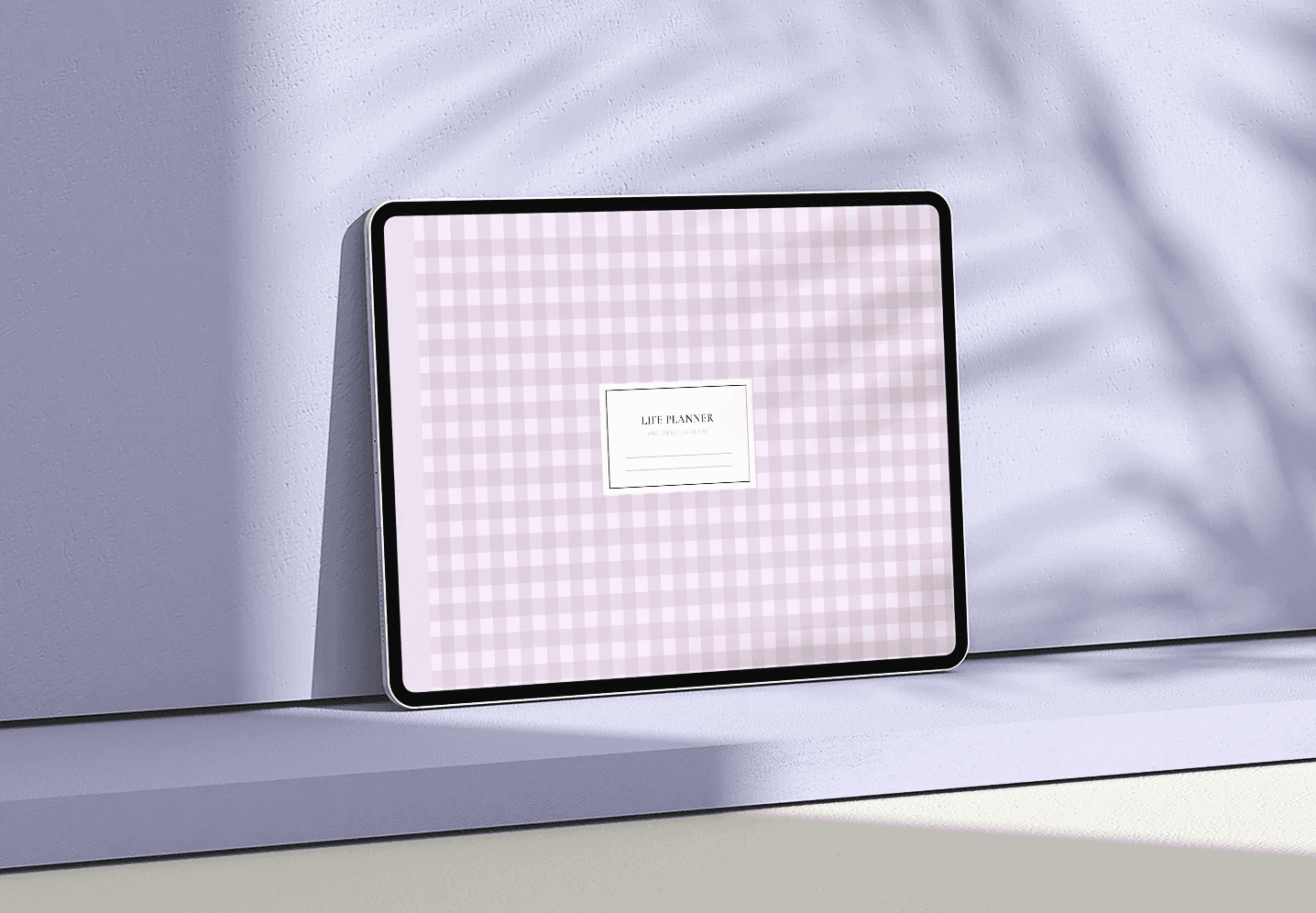
You’ll also need a PDF annotation app that supports handwriting and hyperlinks. These apps allow you to write directly on pages, navigate quickly, and customize how you interact with your planner.
Optional additions like digital stickers or cloud storage can enhance your experience, but they’re not required. A good digital planner should work beautifully on its own, without extra tools or add-ons.
Where to Buy Premium Digital Planners
Once you’re comfortable with digital planning, you may want a planner that’s more specialized or tailored to your lifestyle.
Marketplaces like Etsy and the GoodNotes Marketplace offer a wide range of designs, from minimalist planners to highly detailed systems created by independent designers.
Dedicated planner shops, such as Million Dollar Habit or Passion Planner, focus on structure, usability, and long-term planning systems.
Choosing a premium planner isn’t about adding complexity — it’s about finding a system that aligns with how you plan and what you need most from your day.
How to Use Your Digital Planner Every Day
A digital planner works best when it supports your daily rhythm, not when it demands constant attention.
Begin each day by reviewing what’s already planned. This creates clarity before you add anything new. Instead of filling every hour, identify your top three priorities and let the rest of the day flow around them.
Time-blocking can help you create structure without pressure. By assigning general time windows rather than exact schedules, you leave room for flexibility while staying focused.
Some people enjoy adding light decoration to their planner for motivation, while others prefer a clean, minimal look. Both approaches work — the key is choosing what helps you stay consistent.
Weekly reviews are equally important. Taking a few minutes to reflect on what worked and what didn’t allows you to reset without guilt. Digital planners are forgiving by nature, making it easy to adjust and move forward.
Conclusion
Digital planners combine the clarity of traditional planning with the adaptability of digital tools.
They offer structure without rigidity, and flexibility without chaos.
With a tablet, a stylus, and a thoughtfully designed planner, planning becomes less about control and more about direction.
The most effective digital planner isn’t the most complex one — it’s the one you return to, day after day, as life changes.